
An in-depth tutorial of how to transplant the face of a living person into the game.
Are you ready? Let's go!
Requirements:
1. A dry erase board or paper (optional)
2. Some level of sketching ability
3. Knowing all the face templates in CAS4. Lots of facial sliders
Part 1: Determining Character Lines
This will be the hardest part for many people, but it is the real key to capturing the essence of a person's face. This is where your sketching ability comes in! You don't want to use an image of person's face as your template, to the contrary, you want to use a person's character lines as your template. Because the character lines are what makes a person's face unique, and why a face could even suffer from disfigured skin or mild fractions and yet still remain recognizable.
Step 0: What are character lines? These lines are basically any notch, groove, angularity, or deviation from a perfectly round, straight or flat surface. This is why plastic surgery faces tend to all look the same--they either look too round, straight, or flat. We want to ignore those types of shapes when making celebrity sims (unless you're creating Heidi Montag).
Step 1: We are going to find some source images. Here's what we need:
Front View:

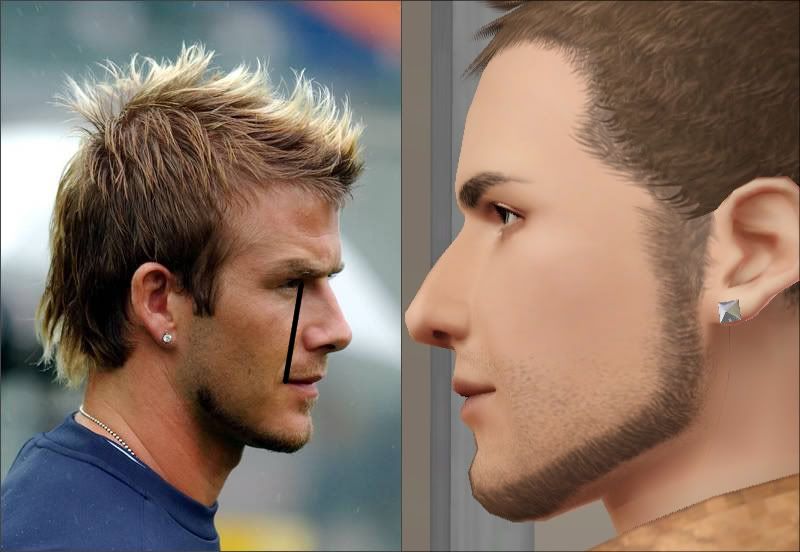
Side View:

Notice that he's making an expression in this picture. If you can't find a better picture, you have to minimize the effect of a facial expression. Here his brow ridge appears slightly larger than in a relaxed state because he is furrowing his eyebrows. So I will make his character line slightly smaller to compensate.
It's also good to have other views of the face as well, but they're not essential.
Step 2: Sketching the lines.
Fortunately, for those of you who are not the most skilled in sketching, you can open up both images and sketch the character lines over a new, empty layer in GIMP or Photoshop.

Somehow he looks even more like himself with the lines drawn! Don't forget the side profile as well. And remember, we only want the lines, so don't save the image of his face underneath them.

Personally, I prefer to sketch them on a dry erase board because I hate minimizing the game. But you could even print out the character lines, too...
Either way you do it works.
Part 2: Finding the Right Face Presets
It doesn't get any easier from here. Now in addition to being a sketch artist, you must also learn to mold your sim's face like a potter.
Step 1: Upon opening CAS, completely remove all of the sim's makeup, facial hair, contacts, etc until you have a blank slate. Then try to find some eyebrows which resemble the celebrity, also remember that we only care about the shape of the eyebrows--we can use sliders to make seem thicker. Henceforth, randomize the face a few times until you find a rough resemblance.
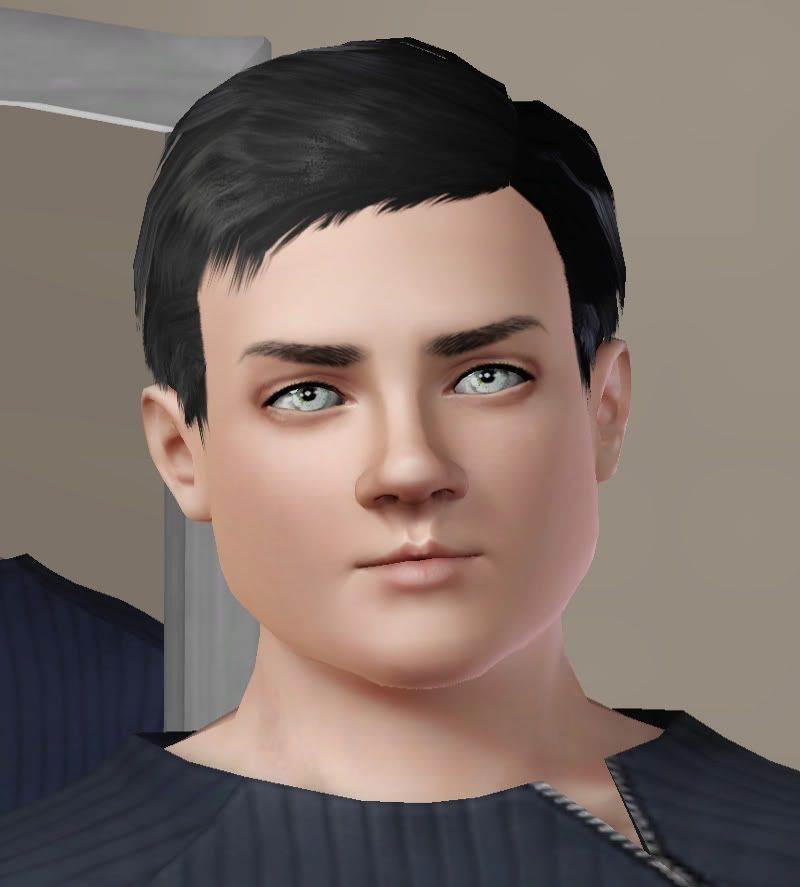
Hmm, this looks alright. lol
Step 2: It's easiest to begin shaping the eyes first, hence why we picked those eyebrows. I'm lucky enough that my randomized face has somewhat similar eyes to the model, so I'll just go in and edit them. However, I find it is easiest to create eyes using the first preset in the upper left of the eye panel.
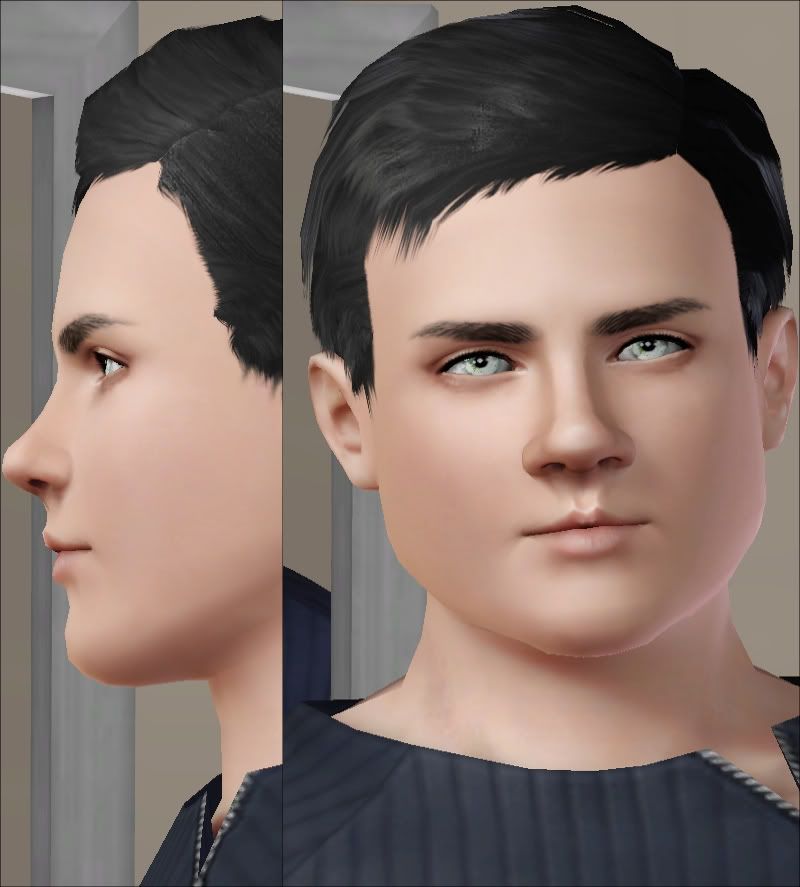
We need to keep the depth of the eyes in mind, too (especially if you are creating an Asian sim), and not change only the front of the face, but to work with all angles simultaneously. I actually need to lower his eye socket height a bit, and also raise his eyelid height too, but it looks good so far.
Step 3: The nose could use some shaping. Now remember, we will end up fine tuning the face later on, right now we need to get a general shape. One important thing to remember is the effect the Nose Bridge Rotation slider has on the brow ridge prominence. Even though this slider is needed to create a bump, you need to also decrease the Bridge Depth slider to balance out how much deeper it will get. It is also sometimes undesirable to scale the entire nose rather than adjusting the nose width and nose height sliders, since this can really screw up the side profile.
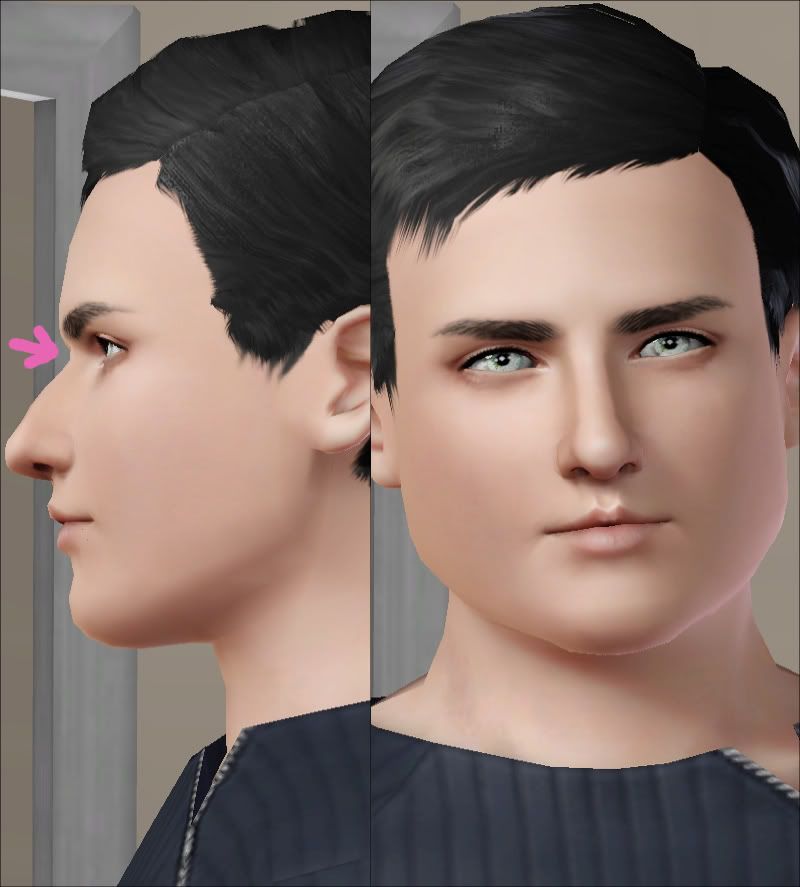
His side profile looks good for now.
Step 4: The lips are trickier than they look, because we don't have many options to adjust them. Therefore we need to try and pick lips which already look the closest to the shape of model's lips, completely ignoring size because we can easily change that.
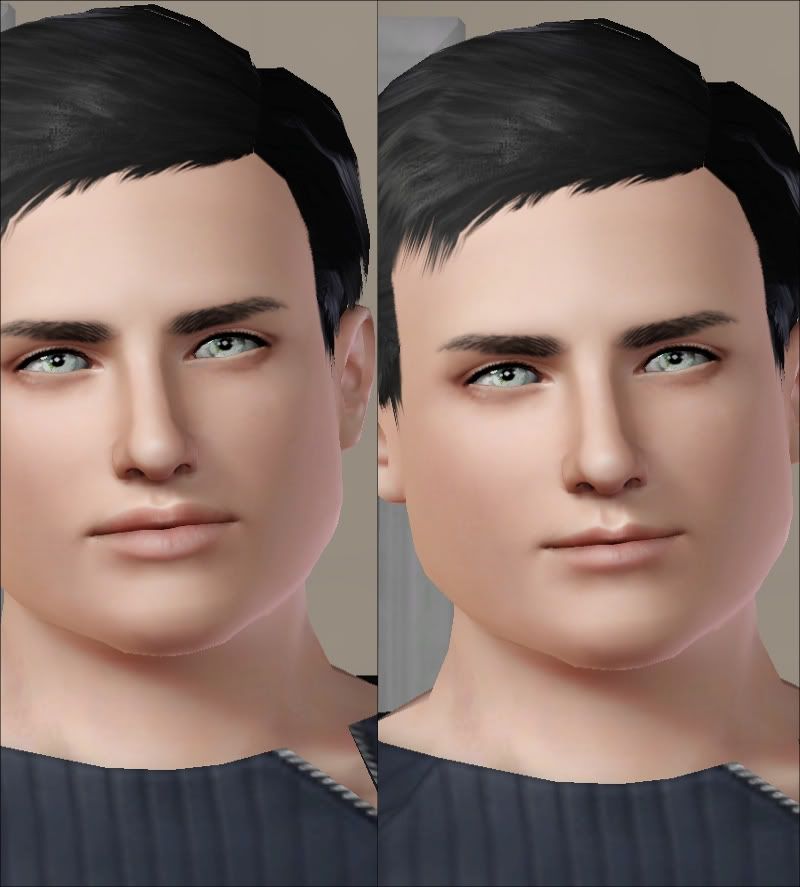 It's also best to change the width of the upper and lower lips to get the correct shape rather than toying with other sliders (those are only good for fine tuning). But use the mouth definition slider first before making any other adjustments.
Part 5: There's a specific way to get a good side profile. To change the side profile to an anatomically correct depth, the key is to look at the amount of space between the eyes and the lips and see how they match up with the model's character lines.
Part 6: Minimizing a likeness to another person. Oh no, he's starting to look like Ryan Gosling :O It's always extremely annoying when you can see another person's face in your sim.
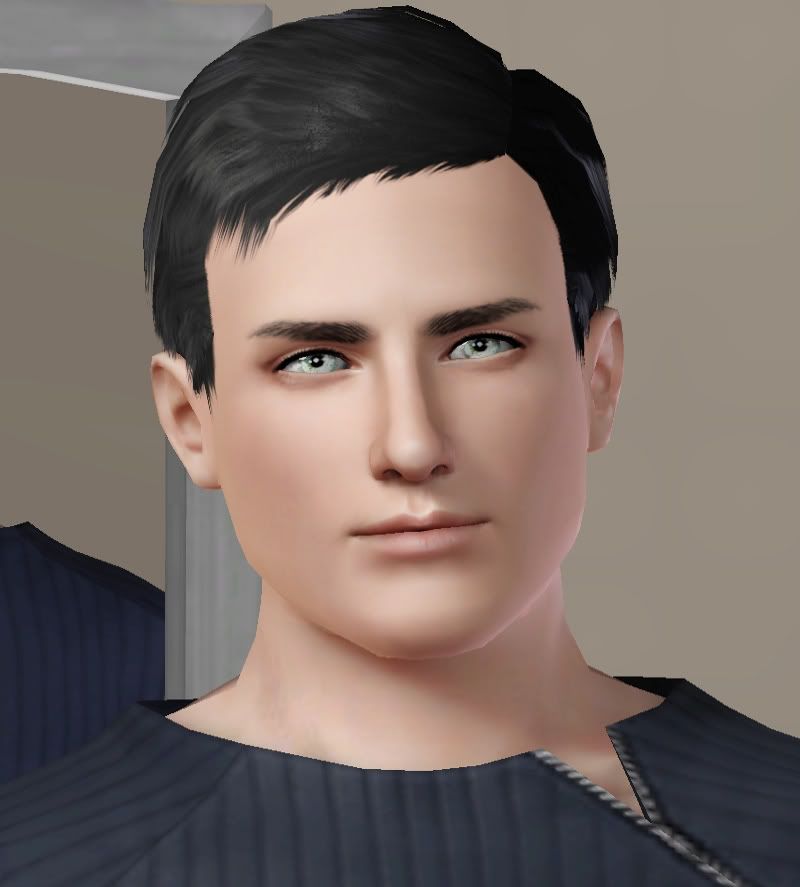
When something like this happens, it's time to over-exaggerate some of the Sim's features to try and make sure he looks nothing like another person. From what I can see, his jaw is too high and a tad too square. His nose is also too bulbous.
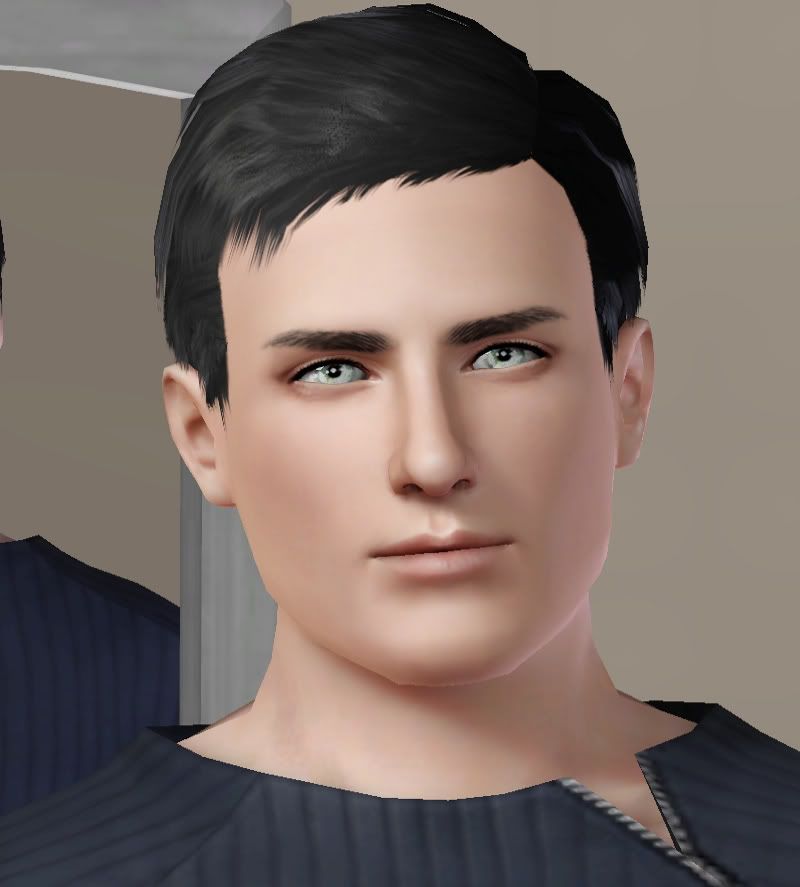
That looks a little better.
Part 3: Finding the Right Skin and Makeup
At this point, the likeness is decent enough that I will now need to find a skin which actually more closely resembles the model's face. For one, I realize this skin is giving his nose a bulbous look and I need a flatter nose tip. After you find a good skin, that's the time to start fine tuning and making sure every cornor of his face resembles the character lines we drew as closely as possible.
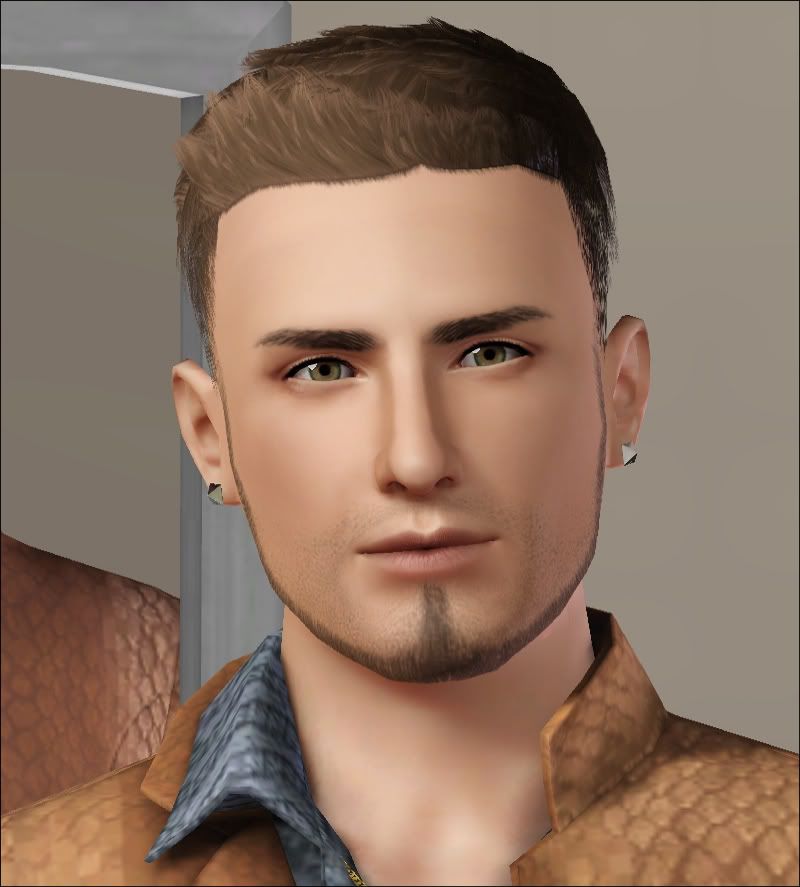
Some Tips:
1.) Lipstick is very useful to help bring out defining characteristics of a person's lips. For instance, some lipsticks have a parched look, or others could create a larger cupid's bow. It's important to pick a good lipstick texture and color.
2.) Eye contacts are very important, too. Choosing the right pupil shape and size can make or break a sim's likness.
3.) Blushes can also create contours around the face which are necessary for a good likeness.
4.) Even hair can be useful. Longer hairstyles tend to accentuate the jaw, and bangs can strengthen the likeness by drawing attention to well-made eyes.


